Ready before they ring the bell.
Sunny & Saima Operations turns your daily caregiving — vitals, meals, medications, incidents — into a running record, and keeps every compliance document, drill log, and training file exactly where an HHSC surveyor will look for it. No scramble. No missing binder.
7 days free · then $49.95/mo · 12-month term, renews annually
The state doesn't call ahead. Your records shouldn't need to catch up.
Three-ring binders and best guesses
- Vitals on a clipboard, medication logs in a drawer, the last fire drill somewhere in a folder nobody can find.
- A surveyor asks for the disaster annex update and someone starts opening file cabinets.
- Training certificates live in a shoebox — or a former employee's inbox.
- Nobody's sure which fire extinguisher check is overdue until it's already overdue.
One place, always current
- Every resident's daily care, meals, and medications logged the shift they happen — by the caregiver who was there.
- A surveyor gets a time-limited, read-only login. They see the record. You don't touch a filing cabinet.
- Training, background checks, and certifications scored on one screen, per caregiver.
- Fire, life-safety, and facility checks coded and dated — color-coded the moment something's due.
Everything a caregiver logs. Everything a surveyor asks for.
Organized the same way your own compliance sheet already is — by code, by category, by due date.
Daily Care Logging
ADLs, vitals, meals, hydration, safety checks, and medication administration — captured on shift, by the caregiver on shift. Nothing waits until end of week.
Incident & Behavior Reporting
Falls, refusals, and behavioral notes logged the moment they happen — the facility manager and owner get an email the same minute, then a daily reminder until it's followed up. Nobody has to remember to check back.
Facility Assets & Maintenance
Start from a standard list of the 17 assets an assisted living home usually has, tick what you own, and each one is added with its own ID and a scheduled reminder — including seasonal AC filter cycles that shorten automatically in summer. When something comes due, the manager gets an email, then a weekly reminder until it's marked done.
Care Plan Updates & Family Acknowledgment
New doctor's order, hospital discharge, or return from rehab — send the resident's POA or family member a secure link to review the updated care plan and confirm they saw it. No login, no app. The confirmation is timestamped and on file before a surveyor asks for it.
Coded Compliance Checklist
Your fire, life-safety, and facility requirements — FS-01 through CG-02 — scheduled by frequency and tracked to their next due date, exactly like your paper sheet, minus the paper.
Compliance Document Library
Face sheets, admission agreements, licenses, and inspection reports — one link away for staff, one link away for a surveyor.
Describe It, Don't Dig for It
Type "the March fire drill" or "Danielle's infection control training" into the search box and get the actual file, read directly out of your own document folder — not a filename guess.
Staff Training & Eligibility
Each caregiver's SEMARC eligibility and employability search result, plus their training — CPR, first aid, medication delegation — rolled up into a live staff compliance score. Read a training certificate from a photo, or have each caregiver upload their own from a private link. Annual training hours are tracked against the requirements for direct care staff and managers, and an overdue manager initial course or HB 300 privacy training is flagged.
Emergency Preparedness
Fire drills, weather drills, evacuation route reviews, generator tests — each with a status and a date, not a memory.
Fast-Track Setup
Upload a roster, a photo of a face sheet, or a spreadsheet export and the app fills in your residents, caregivers, and training records for you to review. A getting-started checklist shows what's done and who's still missing.
Medications From Paper
Photograph a doctor's note or a hospital discharge medication list. The app reads each drug, dose, and route, flags anything it isn't sure of, skips what's already on file, and never saves a thing until you've reviewed it.
Emergency Food & Water
Track the 4-day emergency food and water supply with a 6-month check-and-rotate reminder, and see at a glance what your current resident count requires.
Hand over the tablet. Not an apology.
HHSC surveyors and investigators don't call ahead. When one walks in, Sunny & Saima Operations gives them a login that works immediately — scoped to exactly what they're allowed to see, and set to expire on its own when the visit ends.
- Time-limited surveyor access — read-only, auto-revoked, no standing password to manage.
- Every resident record, incident report, and training file, printable or emailable on the spot.
- Asked for a specific document? Describe it in plain language and it's found — not a folder-by-folder search while someone waits.
- Emergency preparedness tracked field-by-field: fire drills, weather drills, evacuation reviews, disaster annex updates.
- Life-safety systems color-coded — current, due soon, overdue — so nothing is a surprise to you either.
The care plan changed. Here's who confirmed it, and when.
A new doctor's order. A hospital discharge. A return from rehab. Every time a resident's care plan changes, a manager can send the POA, guardian, or family member a secure link to review the actual update and confirm they saw it — the kind of confirmation an HHSC surveyor asks for and paper never quite has ready.
- Sent by a manager's decision, not fired automatically on every edit — a minor correction shouldn't email the whole family.
- The email carries a secure link only. The care plan itself is never in the message — it's read on a token-gated page, and nowhere else.
- The POA opens the link, reads the real update, types their name. No account, no password, no app to install.
- Confirmed with a name, a timestamp, and an IP address — permanently on file, visible to staff, ready the moment a surveyor asks.
- The POA can print the plan or save their own copy right from that same screen.
Set up your whole facility from the papers you already have.
A new home shouldn't start with a blank screen and weeks of data entry. Hand the app a roster, a photo of a face sheet, a doctor's medication list, or a spreadsheet export, and it fills in the records. You review every row before anything is saved — the app proposes, a person decides.
- Residents, caregivers, medications, and training certificates read from a PDF, a photo, or a CSV — with a pop-up summary of what was added and what was skipped as already on file.
- A standard list of 17 assets an assisted living home usually has — fire alarm, sprinklers, generator, water heater, van, emergency food and water — tick what you have and each gets an ID and a maintenance reminder, dated from today unless you set the real service date.
- Photograph an equipment label or inspection tag and the make, model, and service date are read for you.
- A standard compliance checklist — life safety, drills, resident care reviews, licensing, and the plans and policies a surveyor expects to see — with suggested frequencies and due dates counted from the last time each was done (today, unless you enter an earlier date).
- One-click linking of each compliance item to the equipment, maintenance tasks, and emergency plans it concerns — the app suggests the matches, you approve them, and a surveyor can go from a requirement straight to its records.
- Built around Texas standards where they are set: the 4-day emergency food and water supply, minimum fire drill frequency, staff and manager training hours, HB 300 privacy training, and the SEMARC check. Everything else is a starting point you can change.
- Caregiver logins created from your staff list, with a temporary password each person changes at first sign-in. Caregivers can upload their own certificates from a private link, no login needed.
- A getting-started checklist that counts every resident and caregiver covered — not just the first one.
- Every setup step sits in its own color-coded block, and staff training dates are tinted green, gold, or orange — current, not done, or over a year old — so you see at a glance where you are and what is left.
- People who leave stay on the record but out of the way: residents are Active, Discharged or Deceased and employees are Active, Resigned or Terminated, each with a date, in green, brown and gold groups. They drop out of pickers, caregiver screens and dashboard counts, and a departing employee's login switches off automatically.
- Medications, daily logs, appointments, incident reports and training are grouped by person with a count, folded until you click a name, and searchable by name.
- A weekly email every Monday names each overdue maintenance item, overdue compliance item and missing or expired training, and repeats until it is fixed. Dashboards list every overdue item, however old, in Central time.
- Sign-in protection: five wrong passwords lock an account for 15 minutes, managers see each login's last sign-in, and logins not tied to an employee are flagged.
- A one-click survey packet — license profile, census, drills, every compliance document with due dates, equipment, staff training and incidents — or a single resident's chart, printable or saved as a PDF for the surveyor at the door.
- An activity log of who changed what, and a 30-day recycle bin that restores a deleted record with the logs and medications that went with it. A warning appears when a new resident or employee may already be on file.
Two dashboards. Everyone sees only what they need.
Illustrative previews of the live dashboards — not screenshots, but built to the same logic your team would actually see.
Made for homes like yours, not adapted from something else.
A signed BAA before you're live
Assisted living operators handle PHI, and so does this platform — that means a HIPAA Business Associate Agreement between your facility and Texas Kaixingda Technology Development, LLC, executed before you go live. Review the draft BAA (pending final attorney review) before you sign up — it also covers your subscription's annual term and renewal.
Built by a facility operator
Sunny & Saima Operations grew out of running an actual assisted living home in Texas — the checklist, the codes, and the categories are the ones already used on the floor.
Role-based, on purpose
Caregivers log care. Managers see the whole picture. Surveyors see a scoped, time-limited copy of the record. Nobody sees more than their role calls for. See exactly what each role can do in the Amanze TexasKTD User's Guide (or jump straight to the printable PDF).
A tool, not a guarantee
Sunny & Saima Operations helps you keep organized, current, dated records. Regulatory compliance is still your team's responsibility — we just make sure nothing is missing when it's time to show your work.
Built with PHI security in mind
Every connection is encrypted in transit (HTTPS/TLS), and resident records and documents sit on managed infrastructure that encrypts data at rest by default. Passwords are one-way hashed, never stored in plain text, and every facility's data stays isolated from every other facility's on the platform.
Try it free for a week. Then one flat monthly rate.
No setup fee, no per-resident pricing, no separate charge for surveyor access. Everything on this page, for one facility.
Your 7-day trial is free — cancel any time before it ends and you won't be charged. Once it converts, your subscription is a 12-month annual commitment, payable monthly at the rate above, that renews automatically each year on your signup anniversary unless you cancel at least 30 days before your renewal date (or terminate for cause under your BAA).
- Daily care logging, medication administration & incident reporting
- Automatic email alerts for incidents and overdue maintenance — with reminders until resolved
- Coded compliance checklist & document library
- Search your documents by description, not filename
- Facility asset & maintenance tracking, including seasonal AC filter schedules
- Staff training, background-check & eligibility tracking
- Emergency preparedness & life-safety tracking
- Time-limited, read-only surveyor access
- Unlimited caregiver & manager accounts
Secure checkout powered by Stripe. Card required to start trial.
Want to see it running first?
Book a short walkthrough with a real facility's data before you commit a card — or just email us your questions.
See it on a call with Sunny & Saima's own team.
Instant guest login, no call needed — 6 hours in a fictional demo facility.
Questions, pricing for multiple facilities, or anything else — we'll reply straight to your email.
Learn how a care-home owner built this with an AI agent.
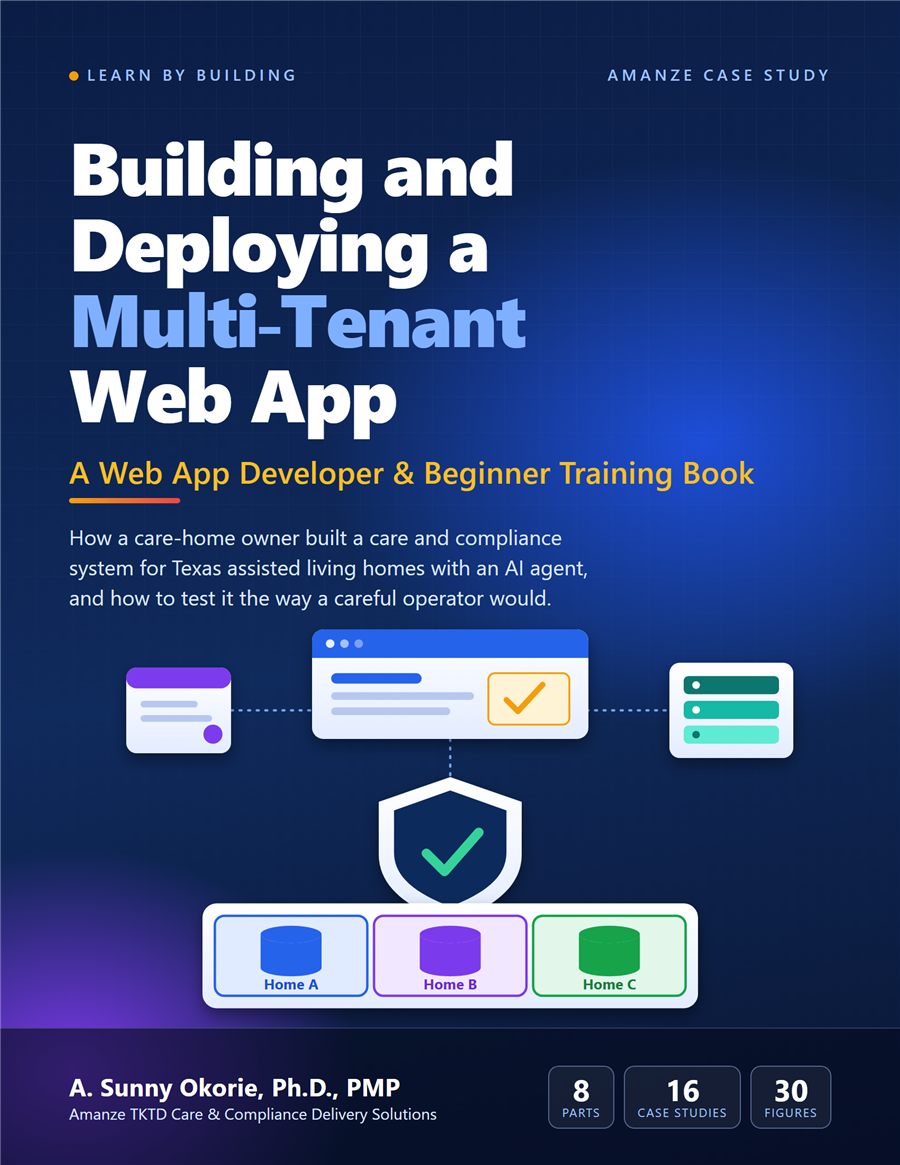
Building and Deploying a Multi-Tenant Web App is a beginner-friendly training book by Dr. A. Sunny Okorie. It tells the real story of how this platform was designed, built, launched and tested, and how you can do the same for your own idea.
- Eight parts, from design and databases to deployment and testing.
- Sixteen real case studies and thirty color figures.
- Instant PDF and editable Word download.